LinkedIn headshots for your whole team, how to organise the office shoot
How to organise a LinkedIn headshot day for 20 or 100 people at your office: room, time slots, schedule, consistency and deliverables.
By Juanjo Vega Santa-Cruz · Noomadik
Organising LinkedIn headshots for the whole team isn’t complicated, but it does need planning. When you have to photograph 20, 50 or 100 people at their own office, what makes the difference is not just the photo: it is that nobody is kept waiting, the working day carries on and every image looks the same.
This guide is for HR, marketing and communications teams who have to coordinate the shoot. It goes step by step: space, time slots, scheduling, special cases and what to ask for at the end.
Before the shoot
Decide what the photos are for
It sounds obvious, but it shapes everything else. If the photos are for LinkedIn, the website, email signatures and the intranet, the usual choice is a headshot on a neutral background, framed from the chest up. If you also want portraits of the leadership team for the press or the annual report, set aside a separate block with more time and perhaps a different background or the office itself as a setting.
Choose the room
We need a room or a clear space of about 3 × 4 metres, with a power socket nearby. Ideally:
- A room you can book for the whole day, so there is no need to pack up halfway through.
- Not a thoroughfare: people relax far more without an audience.
- With somewhere nearby to wait for a couple of minutes and leave a coat or laptop.
Window light isn’t essential: we bring our own lighting so the first photo of the morning and the last of the afternoon look the same.
Set the date well ahead
Avoid quarter-end, product launches or weeks when half the team is travelling. And announce it at least two weeks in advance, so everyone can plan their diary and what to wear that day.
How to schedule the slots
How long per person
A LinkedIn headshot needs 5-10 minutes per person. That is enough time to get into position, take a few shots, look at one or two on the screen and adjust. At that pace you can do 40-60 portraits in a day.
Sample schedules
- Around 20 people: half a day. 10-minute slots from 9:30 to 13:00, with a short mid-morning break.
- 40-60 people: a full day, with 5-10 minute slots and the lunch break as a buffer in case any slot runs late.
- Around 100 people: two days, or one day with two stations running in parallel and two photographers. In that case both stations are set up with the same background, light and framing, so no one can tell who took which photo.
How people sign up
The easiest option is a shared sheet or calendar with time slots where everyone picks their own. Grouping by department helps avoid emptying a whole team at once. And always leave two or three free slots each hour for the unexpected, meetings that overrun or people who turn up without booking.
One practical tip: ask someone on your team to act as the point of contact on the day. Their job is to call the next person on the list and handle last-minute changes, so the photographer can focus on each person.
Consistency: making every photo match
This is the main reason for a group session rather than everyone sorting out their own. To achieve it:
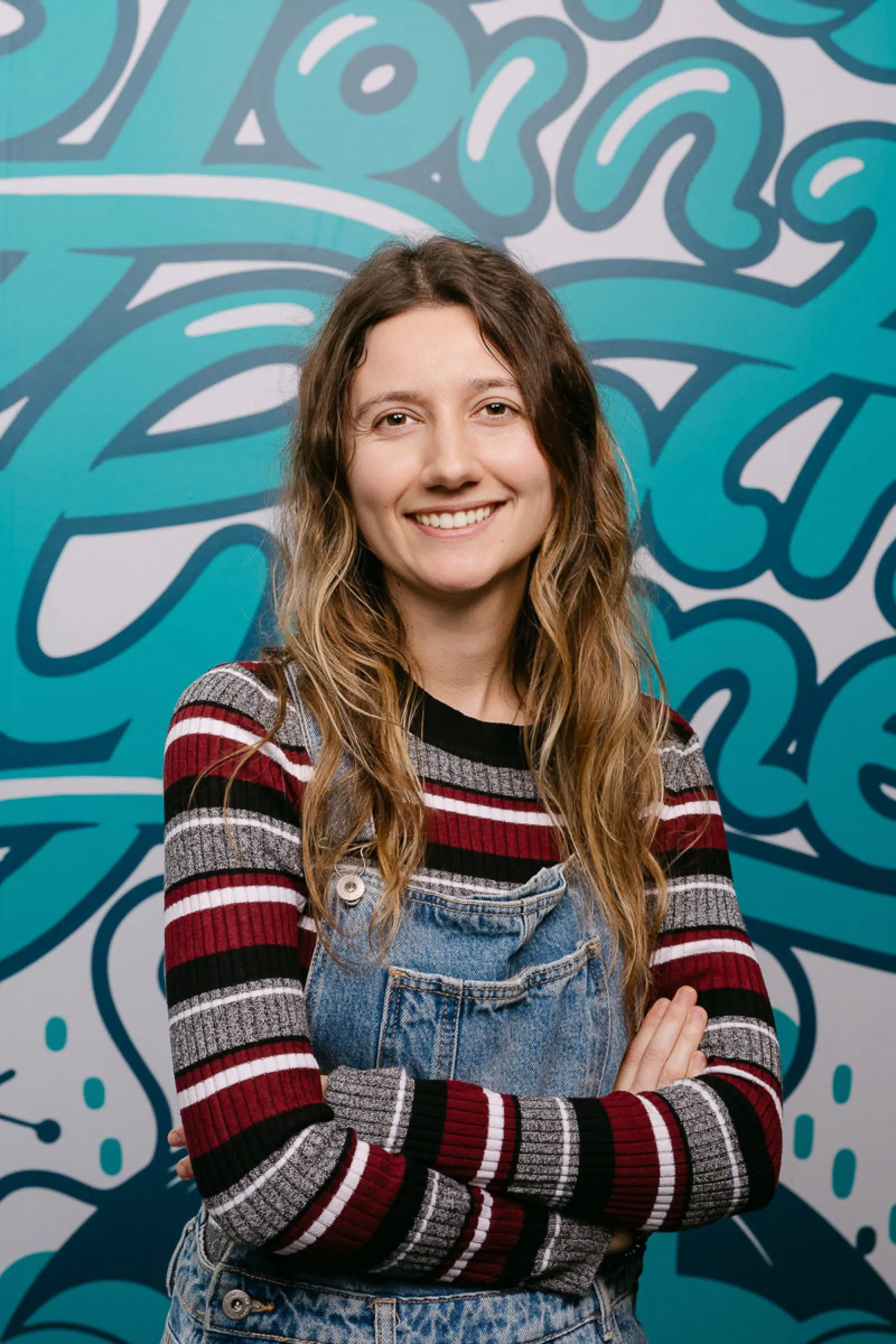
- Same background for everyone: light grey, white or a soft brand colour.
- Same light and distance, set when the station is built and left untouched all day.
- Same framing, planned from the outset for LinkedIn’s square and circular crop.
- Same retouching: natural, taking care of light, colour and small details, without changing anyone.
If you want to allow a little personal choice, each person can be offered two options for pose or expression, always within the same setup.
Remote staff, other offices and new joiners
Hardly any team is all in the office on the same day. Some solutions:
- Catch-up day: a second, shorter session a few weeks later for those who couldn’t make it.
- Tie it in with a company gathering: if remote staff come to Barcelona for an annual meeting or a convention, that is the time to set up the station.
- New joiners: we keep the setup (background, light, framing and retouching) and repeat it every so often, so new photos match the earlier ones.
If you have teams in other cities, ask us: we travel with the same setup so every office gets matching photos, for example in Madrid or Málaga.
What to tell your staff
A short email a few days before avoids half the problems. Include:
- Date, their slot time and the room.
- What to wear: what they would wear to an important client meeting, in plain colours.
- What the photos will be used for (LinkedIn, website, intranet), so nobody is surprised.
- When and how they will receive their photo.
To save yourself some work, you can forward them our guide on what to wear and how to prepare for a corporate headshot.
What you receive afterwards
After the shoot, you would normally get a proofing gallery where each person, or HR on their behalf, chooses their photo. The chosen ones are delivered edited and in several versions:
- High resolution, for the press or print.
- Web version, lighter, for the team page.
- Square crop for LinkedIn. The profile photo is shown as a circle, so the face needs to be centred with some space around it. LinkedIn recommends at least 400 × 400 pixels; we deliver more so it looks sharp on any screen.
Ask for each file to carry the person’s name. It seems a minor detail, but with 80 photos it saves hours for whoever has to send them out.
If you want the reasoning behind all this, we cover it in our guide to corporate portraits for companies.
To sum up
A well-organised headshot day for the whole team takes one day and gives your company a consistent image for years. The key is three things: a booked room, time slots with some slack and a setup that doesn’t change all day. If you would like to organise one at your office, see our corporate portraits in Barcelona page or request a quote.