Trade show stand photography: how to document your stand at Fira Barcelona
The photos you need of your trade show stand: empty stand before opening, visitors, demos, meetings, team, details and video clips for social media.
By Juanjo Vega Santa-Cruz · Noomadik
A trade show stand is a big investment that lasts only a few days. Photos are what let you get the most out of it afterwards: on the website, on LinkedIn, in the press release, in the report for management and in the proposal for next year. This guide sums up the photos you need of your stand at Fira Barcelona and how to organise the coverage so nothing is missed.
If you will be at Mobile World Congress, there is a specific guide on how to plan your coverage at MWC Barcelona. Here we focus on the stand at any trade show.
The photos you need of your stand
1. The empty stand, before opening
This is the photo most used to show off the stand: clean, fully built, with the screens on and nobody in front. There is only one good moment to take it: first thing, before the doors open. Later, with visitors and material on the tables, it is no longer possible.
Ask for several shots: the whole stand from the aisles, each side if it is open, and the inner areas (meeting room, bar, demo area).
2. The stand with visitors
An empty stand does not tell the story of the show. You need photos with real activity: people coming in, looking at products, talking to your team. The best ones are taken at peak times, which you can ask your sales team about or work out from the show programme.
3. Product demos
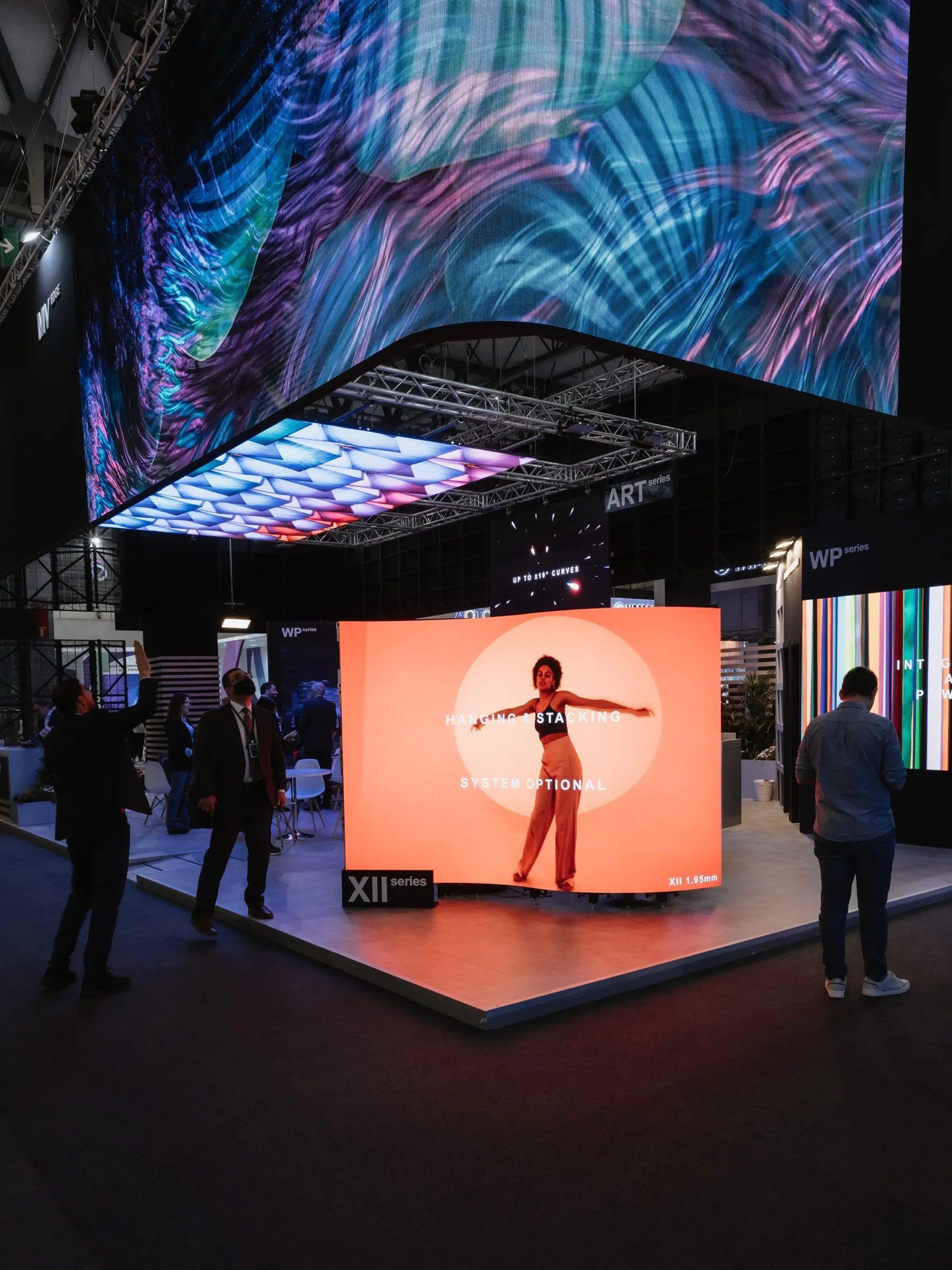
Product and the person trying it in the same frame. If your stand has LED screens or video installations, the photographer needs to get the exposure right so the screen image comes out properly, without banding or blown-out areas. This is what we took care of, for example, on INFiLED’s stand at ISE, an LED screen manufacturer with large video installations.
4. Meetings and agreements
Client meetings, agreement signings and important visits. These are often the photos most sought after by the press and by management. Tell the photographer which ones are scheduled and whether any are confidential and should not be photographed.
5. Presentations on the stand
If your stand has a small stage or a talks area, cover the speaker, the audience and the brand in the background, just as in a conference room.
6. The team
A group photo of the team on the stand, ideally first thing, when everyone is fresh and the stand is tidy. And, if you have spokespeople, some quick portraits for press releases and LinkedIn.
7. Brand details
Logos, product close-ups, materials, signage and any design element of the stand. These photos work very well on social media and in presentations.
8. The show itself
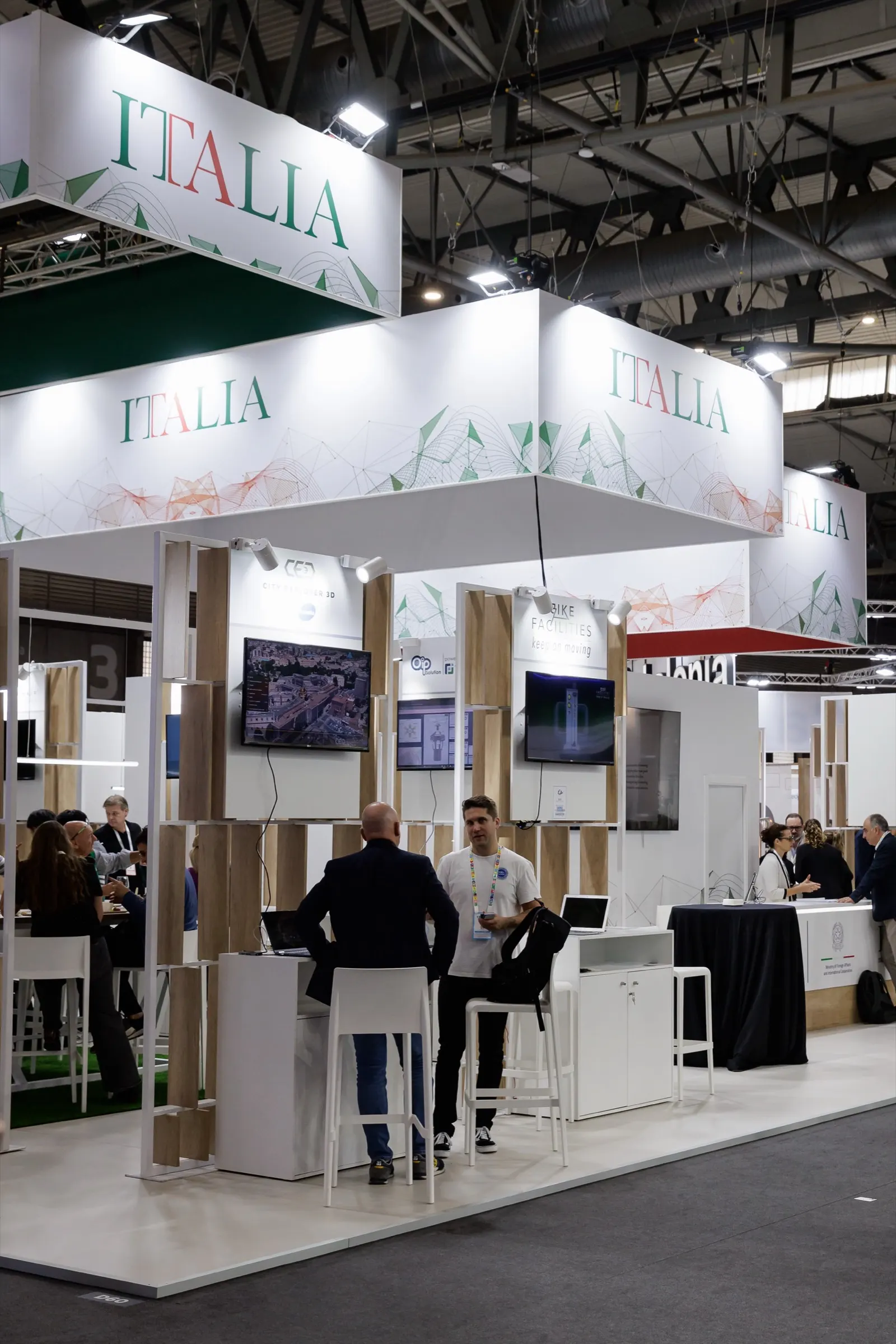
A few shots of the venue, the entrance and the aisles help tell the context. At the Italy pavilion at Smart City Expo, for example, we covered the pavilion, the exhibiting companies, the meetings and the exhibition centre.
Pavilions and shared stands
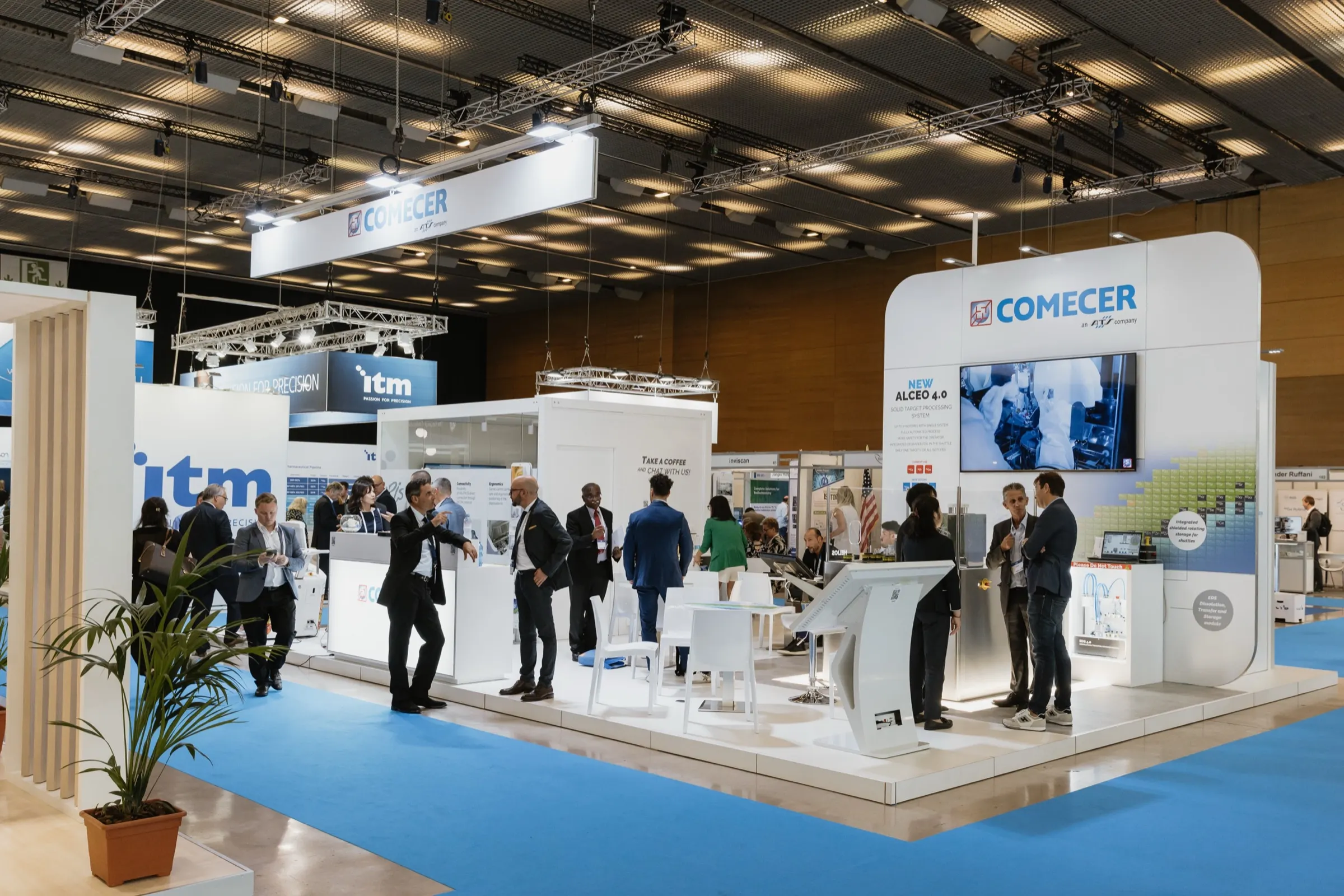
If your stand is part of a pavilion with several companies, or you are organising an institutional pavilion, each exhibitor needs their own photos. Make a list of companies and times so the photographer can visit each stand at a moment when there is activity. It is similar work to what we did at the European Association of Nuclear Medicine congress, where we photographed exhibitors’ stands, products and activity with visitors.
Video and social clips
More and more exhibitors combine photos with short video for social media: a walk-through of the stand, demos, visitor testimonials or an interview with the spokesperson. Ideally this is done by a videographer or content creator working alongside the photographer, with a shared plan. At Noomadik we coordinate the team so photo and video share out the moments without getting in each other’s way in a space as tight as a stand.
When to shoot: a plan by moment
- First thing on day one: empty stand, details, team photo.
- Mid-morning: first visits and demos.
- Peak hours: busy stand, meetings, presentations.
- Scheduled moments: executive visits, signings, interviews.
- End of the day: anything still missing, and delivery of the day’s selection.
If the show lasts several days, you do not always need to cover them all. Often the first full day and the day with the most planned activity are enough.
Delivery during the show
To publish while the show is on, ask for an edited selection at the end of each day. That way your team can share the stand on LinkedIn the same evening and send photos to the media. The full gallery arrives a few days later.
If you can only book a few hours
The most common mistake is for the photographer to arrive when the stand is already full of people. If the budget only stretches to a few hours, make sure they include the first hour of the first day: it is the only moment when the stand looks exactly as it was designed, and those photos will serve you all year, until the next edition.
How to prepare the coverage
- Accreditation for the photo and video team, arranged in time.
- Opening time and access to the stand before the doors open.
- Stand agenda: demos, presentations, meetings and visits.
- Key people on the team and spokespeople, with photos if possible.
- Restrictions: products or meetings that cannot be photographed.
- Stand contact for each day.
If it helps, start from our brief template for your event photographer and add the stand agenda.
If you are exhibiting at a trade show in Barcelona, see our conference and trade show photography in Barcelona page or tell us about your show.